Advanced Settings
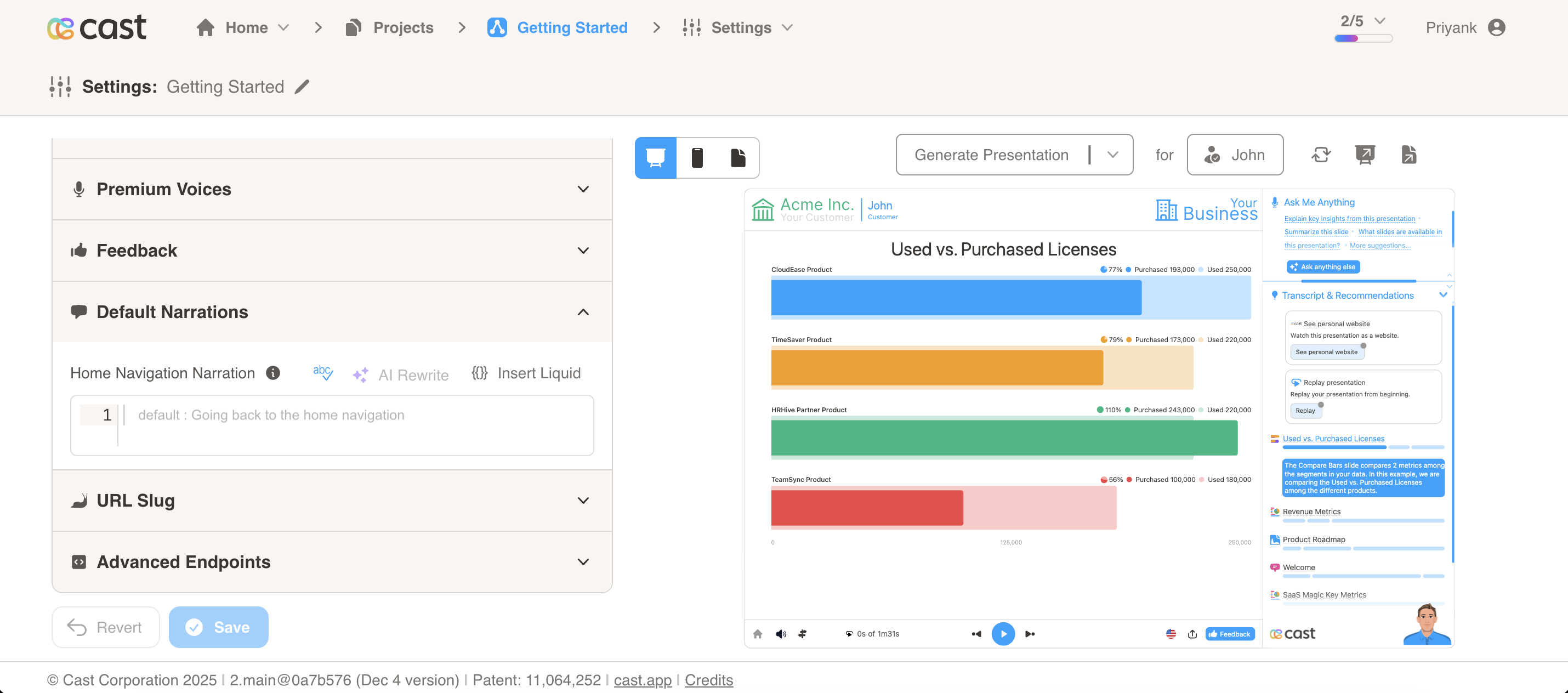
Default Narrations
- Configure default narration settings for navigation and other system actions.
- Home Navigation Narration: Override the narration played when navigating back to home. The default narration is “Going back to the home navigation”.
- A home icon is displayed on the bottom bar of the player interface. When users click on this home icon, the configured narration will be played.
- This narration is automatically synced with the
reserved_goto_first_narrationsnippet. - You can use Liquid template variables to personalize the narration based on contact data.
URL Slug
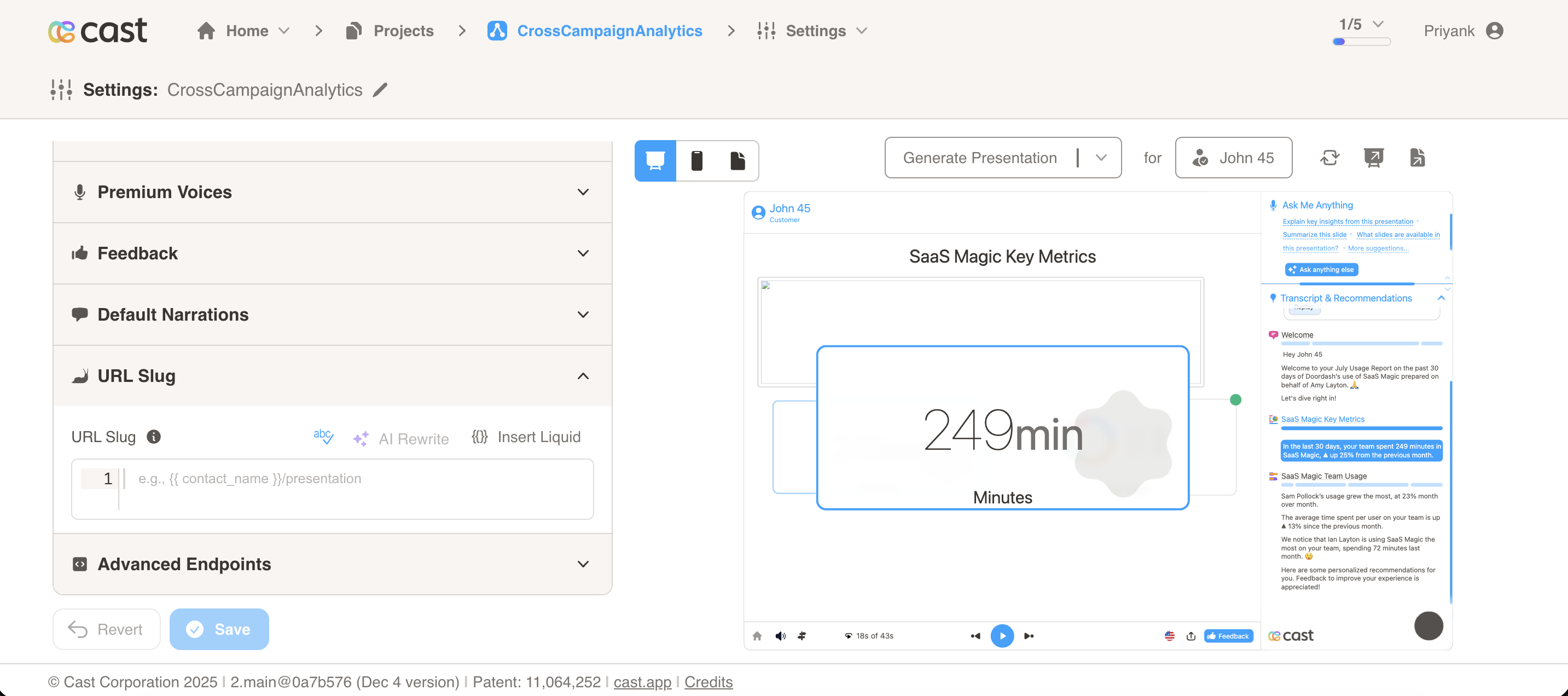
Add a custom slug to personalize cast presentation and website URLs. The slug supports Liquid template variables, enabling dynamic URL generation based on contact data.
Setting a URL Slug
The URL Slug field accepts plain text or Liquid template variables:
- Plain text:
business-review - Liquid variables:
/qbr - Complex expressions:
//review
Example Values:
/business-review/qbr-
customer-insights {{ contact_account | slugify }}/{{ contact_name | slugify }}/review
How It Works
When a campaign is generated, the slug template is rendered using the contact’s liquid context. The processed slug is then:
- Automatically appended to permanent URLs (
contact_perma_urlandcontact_perma_page_url) - Made available as the
reserved_url_slugvariable in your templates
Example:
- URL Slug:
/qbr - Contact Account:
Acme Corp - Original Perma URL:
https://cast.app/play/latest/rZe9y5CxQoP5XMrkUj7fSA - Result:
https://cast.app/play/latest/rZe9y5CxQoP5XMrkUj7fSA/Acme Corp/qbr - Available variable: `` =
Acme Corp/qbr
Note: If rendering fails or returns empty, the slug falls back to contact_name. The value is automatically slugified (URL-safe) while maintaining case and allowing slashes.
Slug Formatting Rules:
- Special Characters: All special characters (except letters, numbers, underscores, hyphens, and slashes) are converted to hyphens
- Spaces: Spaces are always converted to hyphens (
-), never preserved - Multiple Spaces: Multiple consecutive spaces or special characters are collapsed into a single hyphen
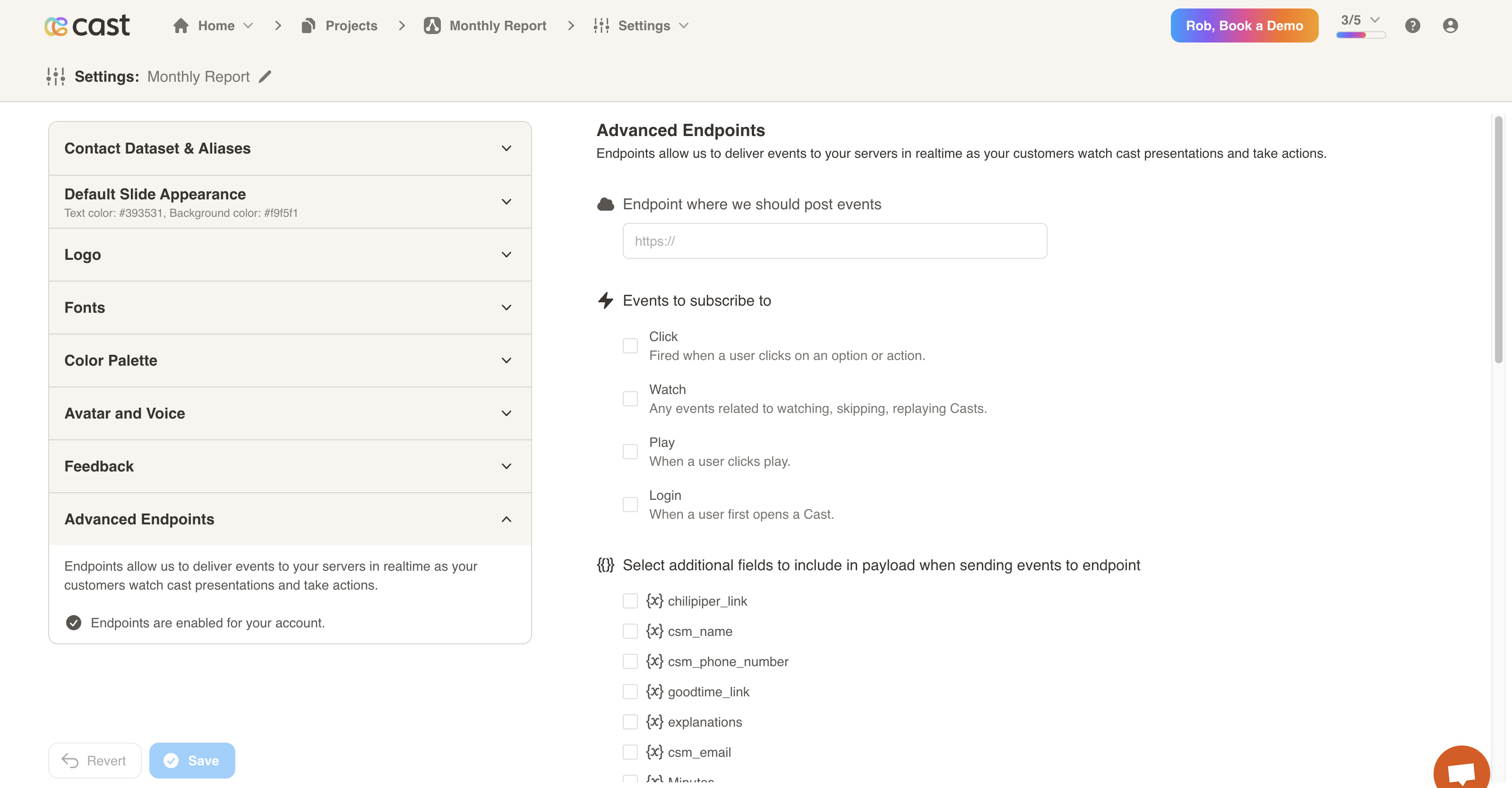
Advanced Endpoints
- Endpoints allow us to deliver events to your servers in realtime as your customers watch cast presentations and take actions.
- You may configure an endpoint, subscribe to events and select additional fields to include in the payload.