Fields
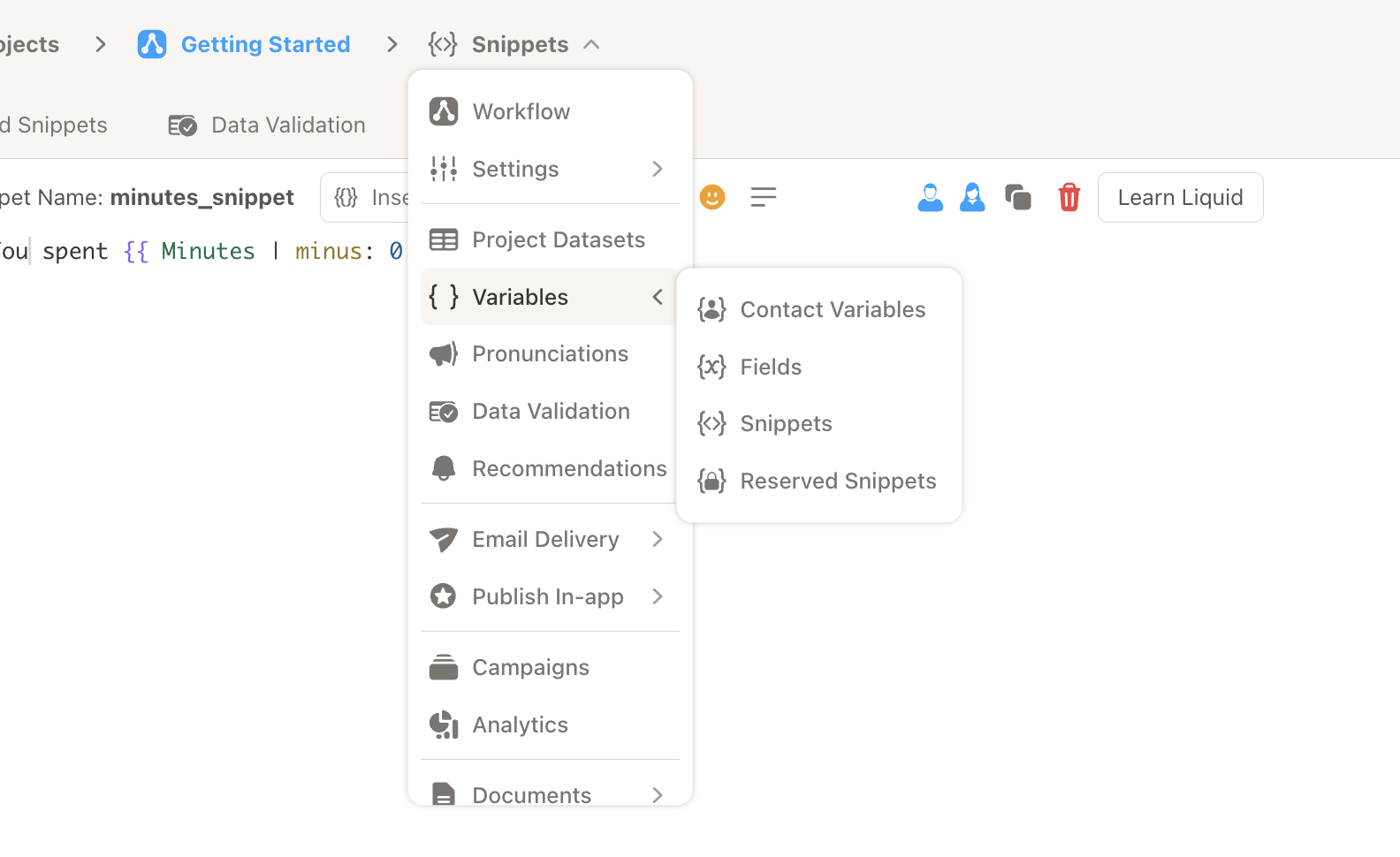
In the left navigation, expand Variables to access Contact Variables, Fields, Snippets, and Reserved Snippets. Click Fields to manage fields.
Values in a dataset can be assigned to fields to be used in snippets or narrations.
To create a new Field:
-
Enter a field name. Note: the name cannot be changed after the field is created. 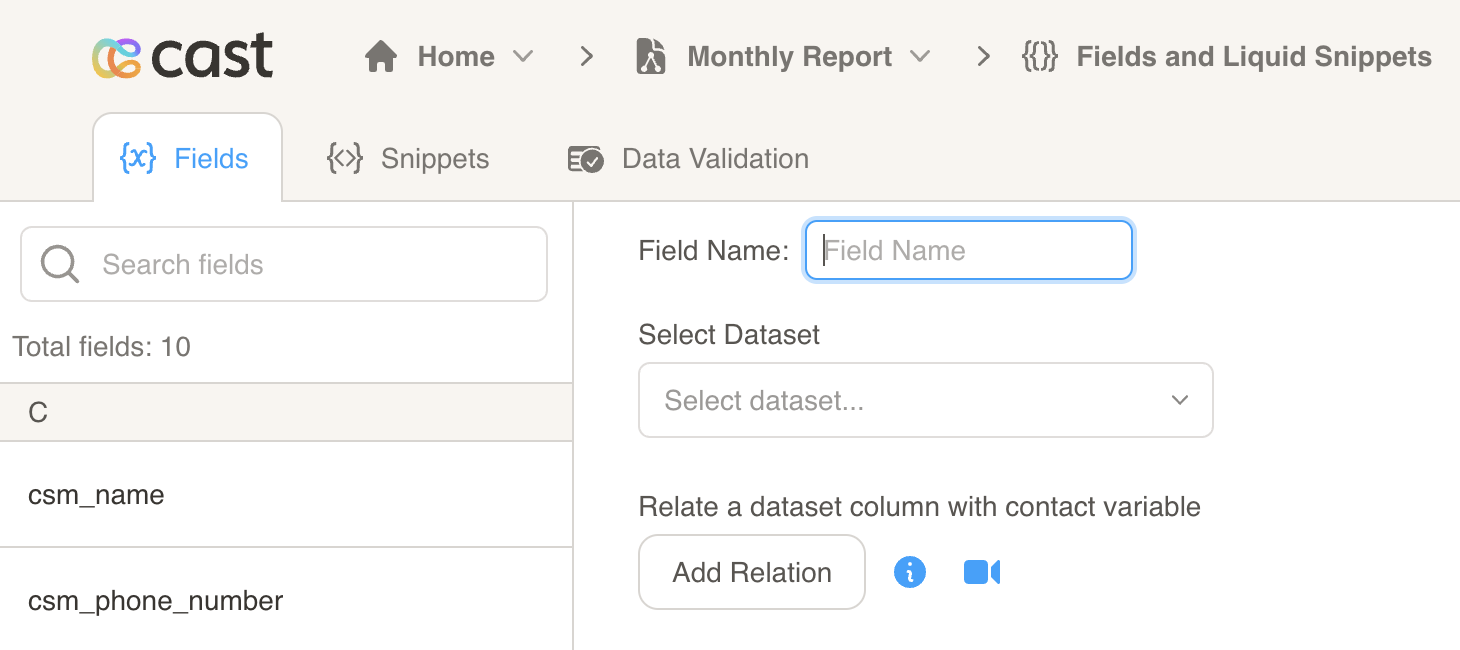
-
Select a dataset from the dropdown menu. 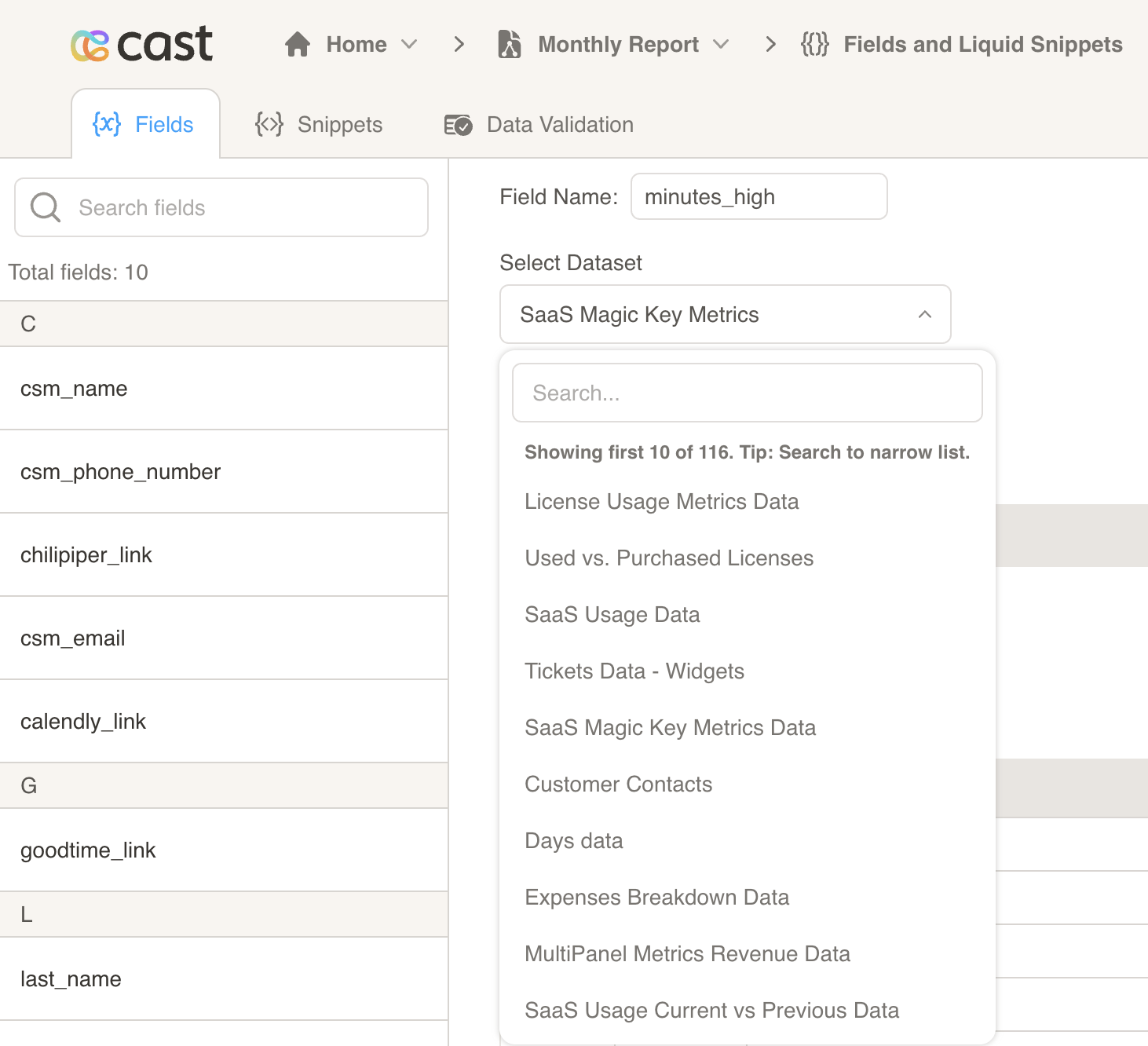
-
Optional: create a relation between the dataset and contact list 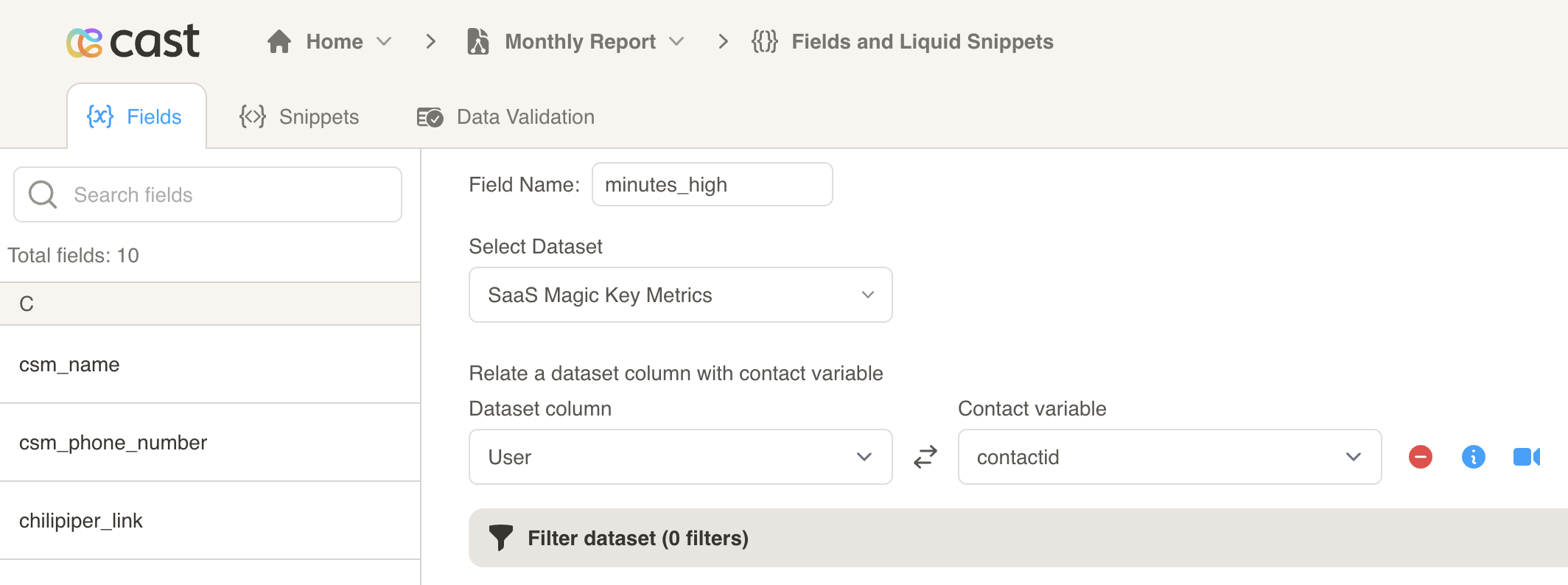
-
Optional: filter your dataset by column. 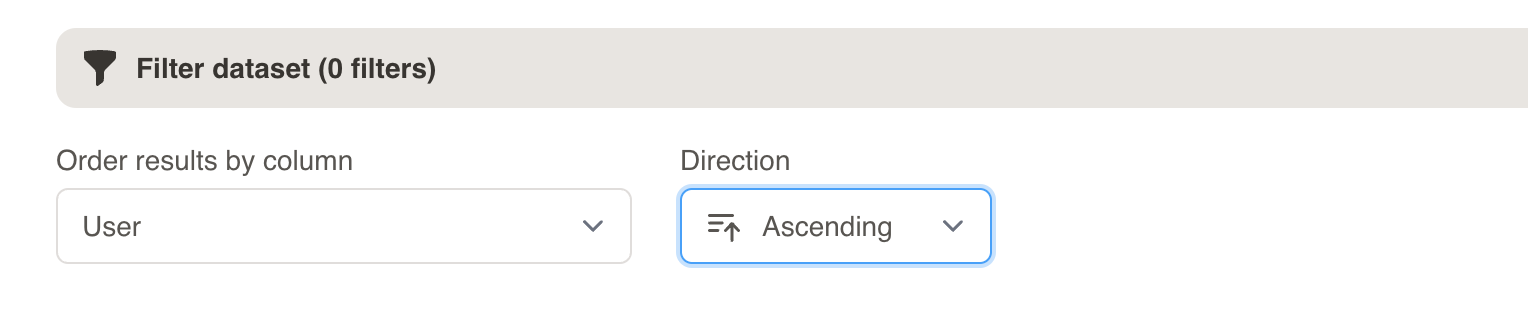
-
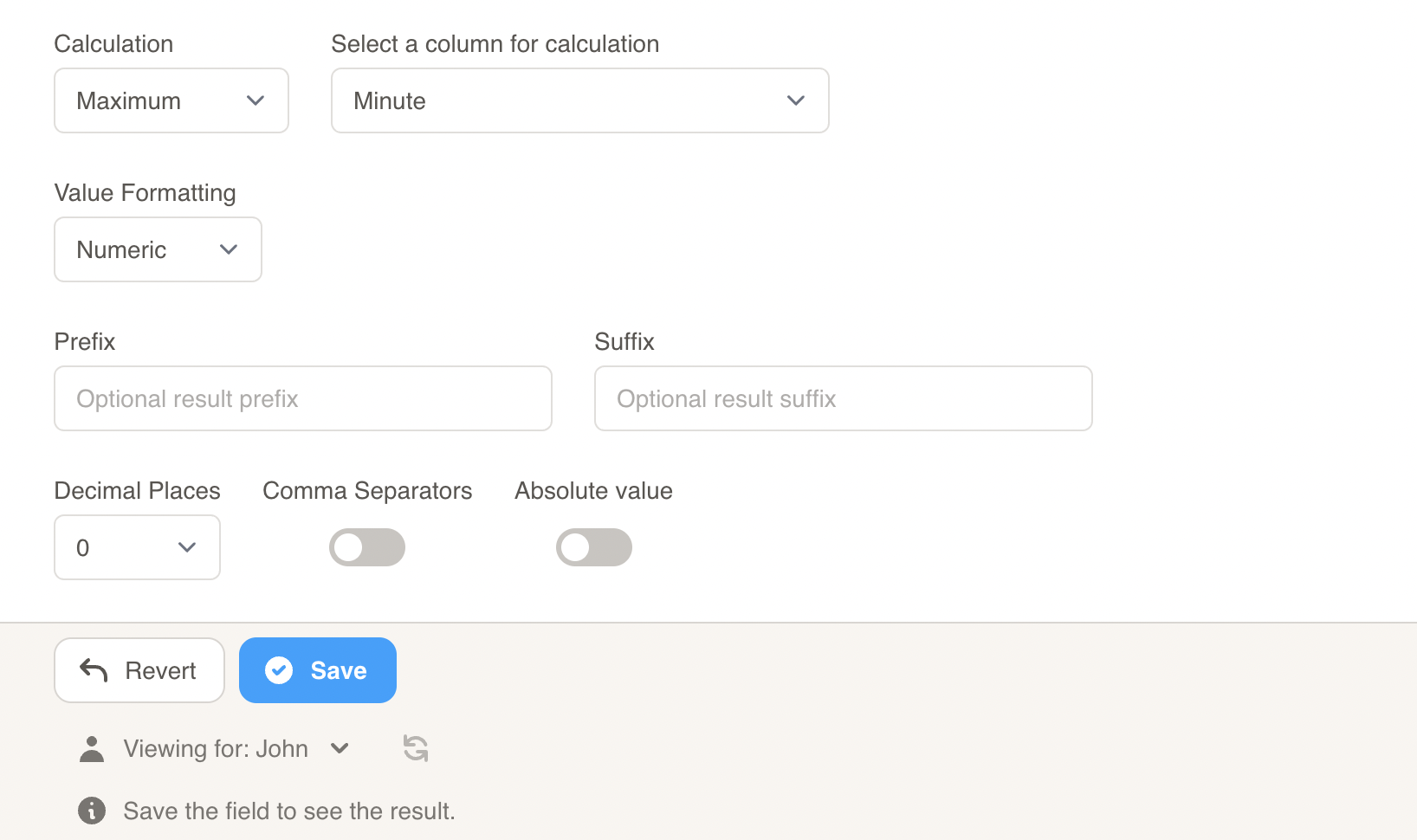
Choose which calculation and value formatting to use for your field. Click the Save button to preview the field.