lc_bar_* and lc_bar_bg_*
Create horizontal bars that automatically adjust width based on data values. Ideal for comparing multiple items side-by-side.
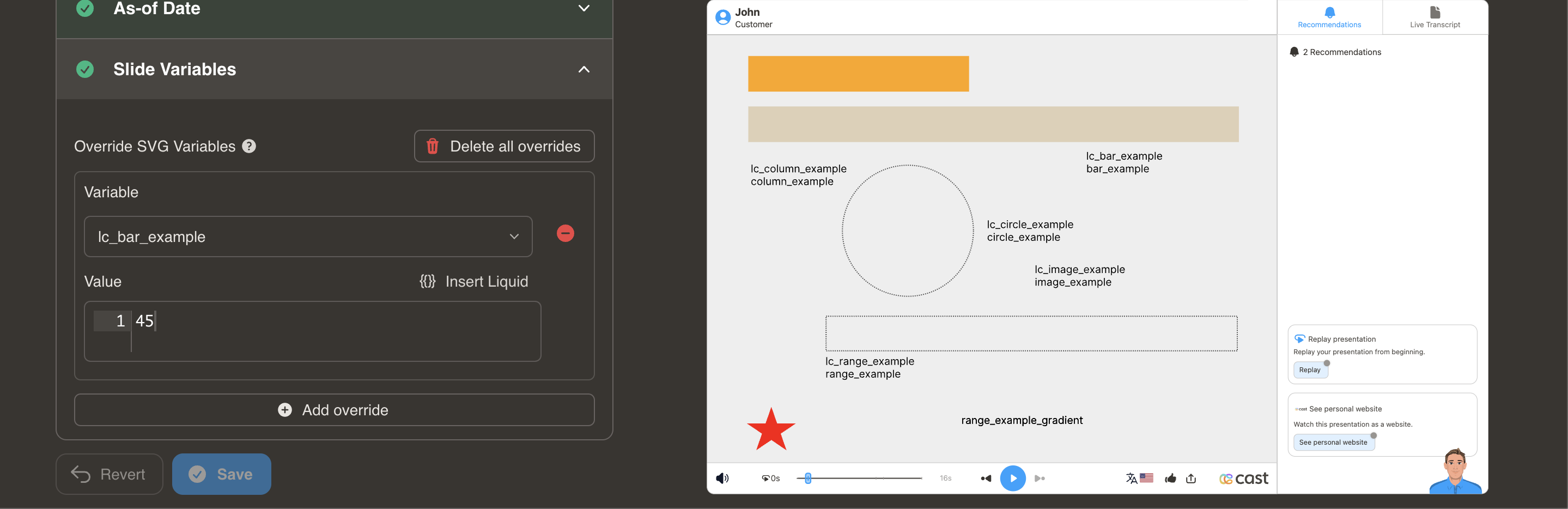
Element Setup
Main Bar:
- Element type:
<rect> - ID format:
lc_bar_*(e.g.,lc_bar_revenue,lc_bar_q1-sales)
Background Bar (Optional):
- Element type:
<rect> - ID format:
lc_bar_bg_*(must match main bar name) - Automatically creates a semi-transparent background track at 30% opacity
Input Format
Simple Format - Value Only:
"40"
Sets bar width to 40%
JSON Format - Value with Color:
{
  "value": 45,
  "color": "yellow"
}
JSON Format - Full Options:
{
  "value": 75,
  "color": "#34A853",
  "showDisplayValue": "true",
  "displayValue": "$75K"
}
| Property | Type | Default | Description |
|---|---|---|---|
value | number | — | Percentage (0–100). Clamped automatically. |
color | string | — | Hex, CSS name, or RGB color for the bar fill. |
showDisplayValue | string | "false" | Set "true" to show the value text on the bar (case-insensitive). |
displayValue | string | null | Custom text to show instead of the auto-rounded percentage. Requires showDisplayValue: "true". |
Color Options:
- Hex codes:
"#FF5722" - CSS names:
"royalblue","yellow","green" - RGB:
"rgb(255, 87, 34)"
Value Text (Background Bars):
lc_bar_bg_* elements can display the percentage value as split-color text on the bar — dark text on the unfilled track and contrast-based text on the filled portion. The text is right-aligned inside the bar and the font size scales to 80% of the bar height. Text is hidden by default and must be opted into.
- To show the value text, set
showDisplayValueto"true" - To show a custom label (e.g.
"$75K"), set bothshowDisplayValue: "true"anddisplayValue: "$75K"
Value Clamping
- Range: 0% to 100%
- Values above 100% → clamped to 100%
- Negative values → not processed (no change)
Usage Examples
<!-- In your SVG -->
<rect id="lc_bar_bg_revenue" width="100" height="20" fill="#ccc" />
<rect id="lc_bar_revenue" width="100" height="20" fill="#2196F3" />

<!-- Simple value — bar at 75%, no text shown (default) -->
{{ revenue }} = "75"

<!-- With color — bar fill is green, no text shown -->
{{ revenue }} = '{"value": 75, "color": "#4CAF50"}'

<!-- Show value text — displays "75" as split-color text on the bar -->
{{ revenue }} = '{"value": 75, "color": "#34A853", "showDisplayValue": "true"}'

<!-- Custom display value — shows "$75K" instead of "75" -->
{{ revenue }} = '{"value": 75, "color": "#34A853", "showDisplayValue": "true", "displayValue": "$75K"}'
Troubleshooting
| Issue | Solution |
|---|---|
| Bar/column not showing | Check that element is <rect> and ID has correct prefix |
| Value not updating | Ensure dataset variable name matches ID (after lc_bar_) |
| Color not applying | Use JSON format: {"value": 75, "color": "blue"} |
| Value text not appearing | Text is hidden by default. Use "showDisplayValue": "true" in JSON format. Only works on lc_bar_bg_* elements. |
| Want custom text on bar | Use "showDisplayValue": "true", "displayValue": "$75K" in JSON format |