
Datasets
Datasets
Section titled “Datasets”What you’ll learn:
- How to view and manage your datasets across projects
- Ways to share datasets between different projects
- Understanding different dataset types and their uses
Overview
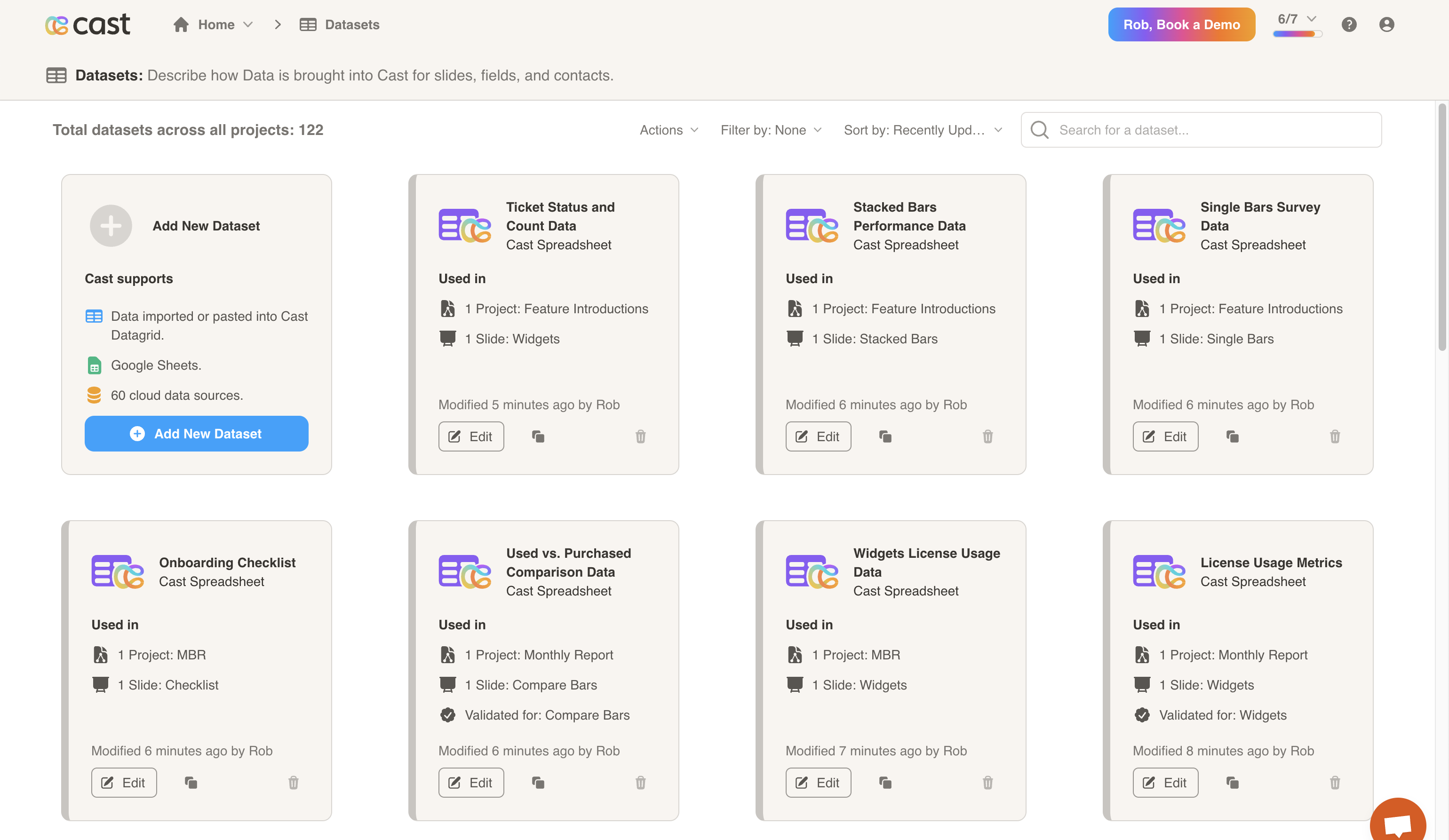
Section titled “Overview”The Datasets page lists all datasets available across your projects. Datasets are the foundation of data-driven slide presentations in Cast.app and can be shared between multiple projects for consistency and efficiency.

You may search through and sort your datasets at the top of the page. Below, you may add a new dataset, or view/edit/delete datasets.
Datasets drive:
- Contact lists or personas, i.e., individual users and executives at your customer who you send Cast presentations to.
- Slide visualizations, and
- Fields, which in turn drive Snippets and narrations.
View the different options under Dataset Types for instructions on how to upload your data.
Next Steps
Section titled “Next Steps”- Data Sources - Connect your cloud data sources
- Slide Types - Learn how datasets power different visualizations
- Getting Started - Create your first data-driven presentation
See Also
Section titled “See Also”- Logo Configuration - Add per-company
logo_urlfrom contact datasets - Variables - Use dataset fields and snippets in your content
- Liquid Context (LC) - Dynamic content using dataset values
Dataset concepts
Section titled “Dataset concepts”Here are some concepts about Datasets.
- You can think of datasets as a table.
- Datasets drive contacts, slide visualizations, and fields directly.
- Fields drive Snippets.
- Fields and Snippets together with conditional logic drive to personalize narrations.