
Campaigns & Analytics
Campaigns & Analytics
Section titled “Campaigns & Analytics”What you’ll learn:
- How to create and manage presentation campaigns
- Ways to deliver campaigns to your audience
- Understanding campaign analytics and performance metrics
- Best practices for campaign optimization
What Are Campaigns?
Section titled “What Are Campaigns?”Campaigns in Cast.app are coordinated efforts to deliver personalized presentations to specific audiences. Think of them as the bridge between your data-driven presentations and your customers.
Why Use Campaigns?
Section titled “Why Use Campaigns?”Instead of manually sending presentations one by one, campaigns let you:
- Scale personalization - Send customized presentations to hundreds of customers automatically
- Track engagement - See who viewed, how long they watched, and what actions they took
- Optimize performance - Use analytics to improve future presentations
- Automate follow-ups - Set up email sequences and reminders
- Measure ROI - Connect presentation views to business outcomes
When to Use Campaigns
Section titled “When to Use Campaigns”✅ Perfect for:
- Quarterly business reviews (QBRs) with multiple customers
- Product adoption campaigns for different user segments
- Onboarding sequences for new customers
- Account expansion presentations to existing clients
⚠️ Consider alternatives for:
- One-off presentations to single customers (use direct sharing)
- Internal team presentations (use project sharing)
- Presentations requiring real-time interaction (use live demos)
Overview
Section titled “Overview”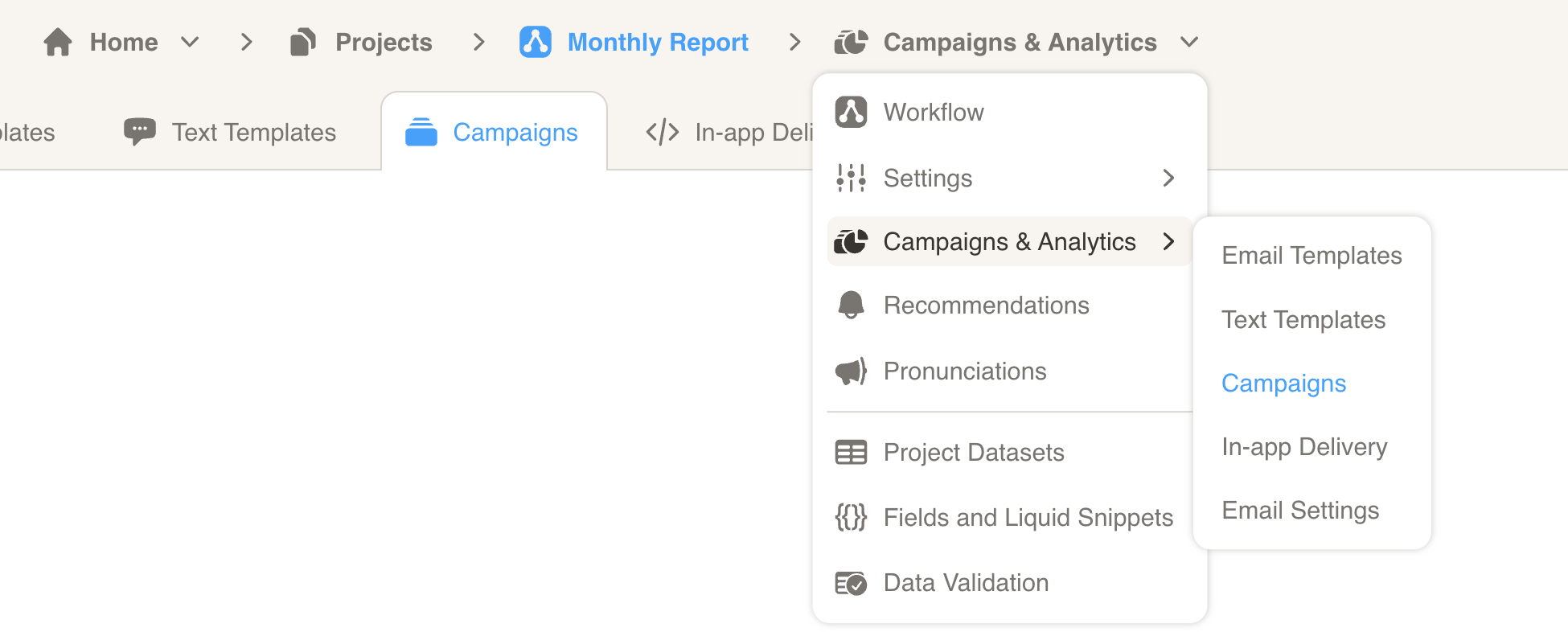
The Campaigns & Analytics page is your command center for managing presentation delivery and measuring impact. From here, you can configure templates and settings, create and deliver new campaigns, and analyze performance across all your campaigns.
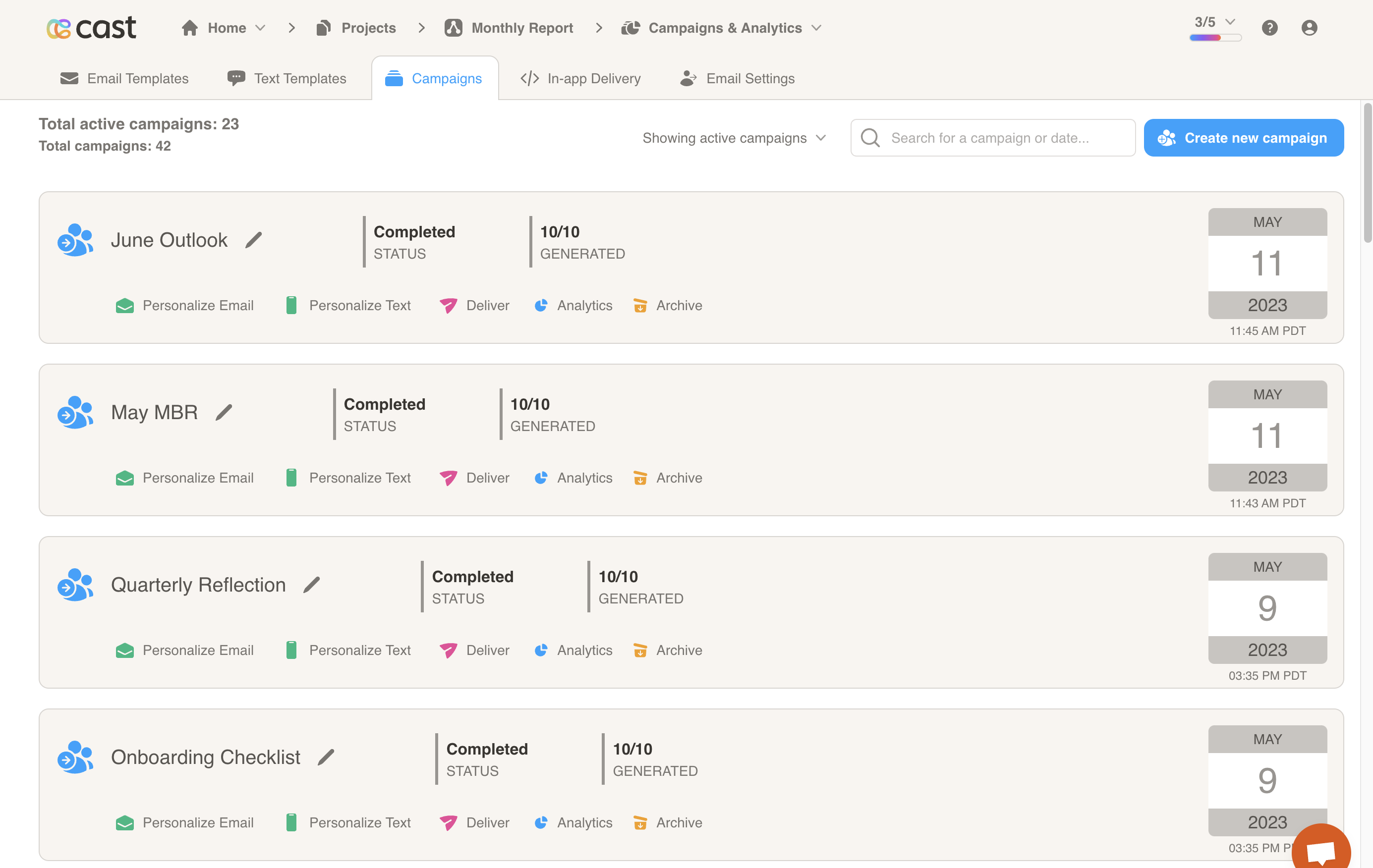
Analytics
Section titled “Analytics”The Analytics page shows engagement across your campaigns — email delivery, presentation plays, funnel conversion, recommendations, feedback, and more. It has two views: Overview (dashboard) and Details (per-contact or per-account grid).
| Guide | When to use it |
|---|---|
| Analytics — one campaign | Open a campaign’s Analytics tab, or review generation/delivery badges on the campaign card. Covers campaign-card metrics plus the full dashboard scoped to that campaign. |
| Analytics — all campaigns | Open Workflow → Analytics from the project navigation bar. Compare multiple campaigns, filter by delivery date, and export program-level reports. |
Quick navigation in the Designer app:
- One campaign — Workflow → Campaigns → select a campaign → Analytics tab
- All campaigns — Workflow → Analytics (direct menu option, alongside Campaigns and Permalinks)
Related guides
Section titled “Related guides”- Email settings — configure delivery and sender options
- Schedule a campaign — automate campaign runs