
lc_glass
Frosted glass focus areas with lc_glass_*
Section titled “Frosted glass focus areas with lc_glass_*”Soft frosted “glass” panels over part of your artwork — draw attention to KPIs and callouts without redesigning the slide.
When to use it
- Highlight a metric with a subtle frosted panel
- Soften a busy background behind text or charts
- Pair with narration highlights to reveal glass during the story
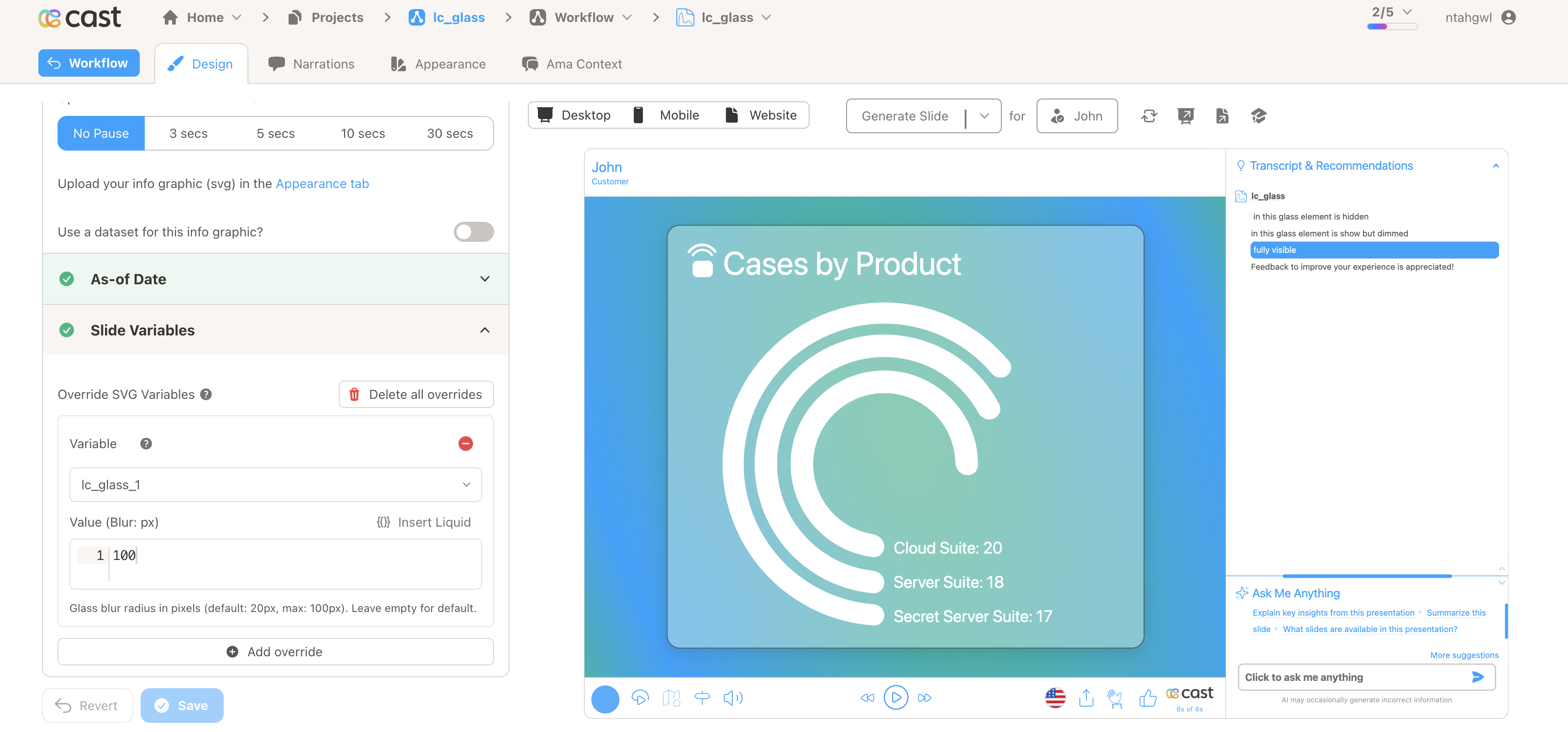
Quick reference
Section titled “Quick reference”| ID prefix | lc_glass_* (not lc_glass_effect) |
| SVG element | <rect> |
| Override value | Blur amount: 0–100 or with px (default 20px if empty) |
| Related | Modal glass via lc_action |
Setup in Cast
Section titled “Setup in Cast”- Add a
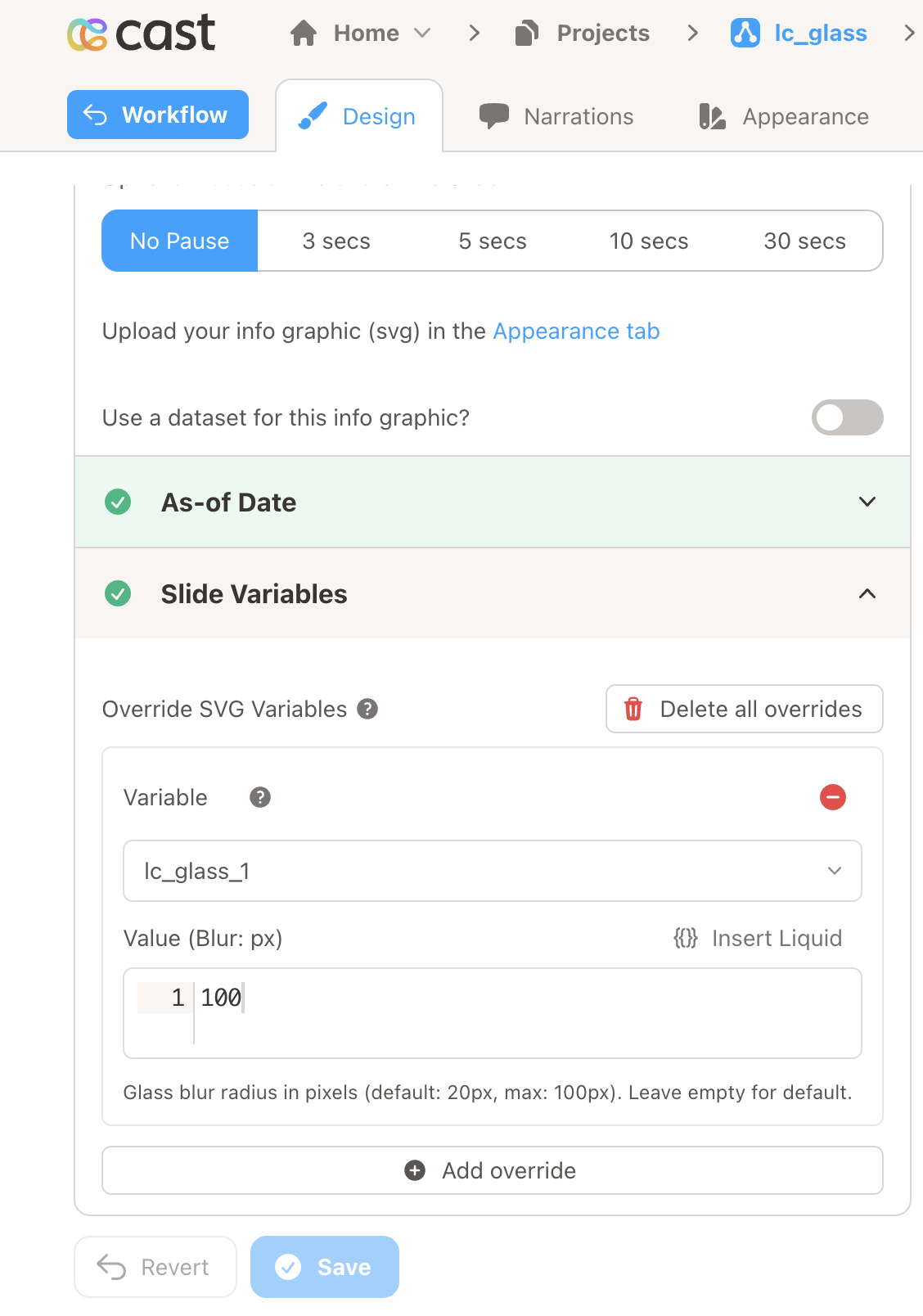
<rect>whose ID includeslc_glass_. - Open Override SVG Variables and set blur for that ID (e.g.
20or13.5px).
Samples
Section titled “Samples”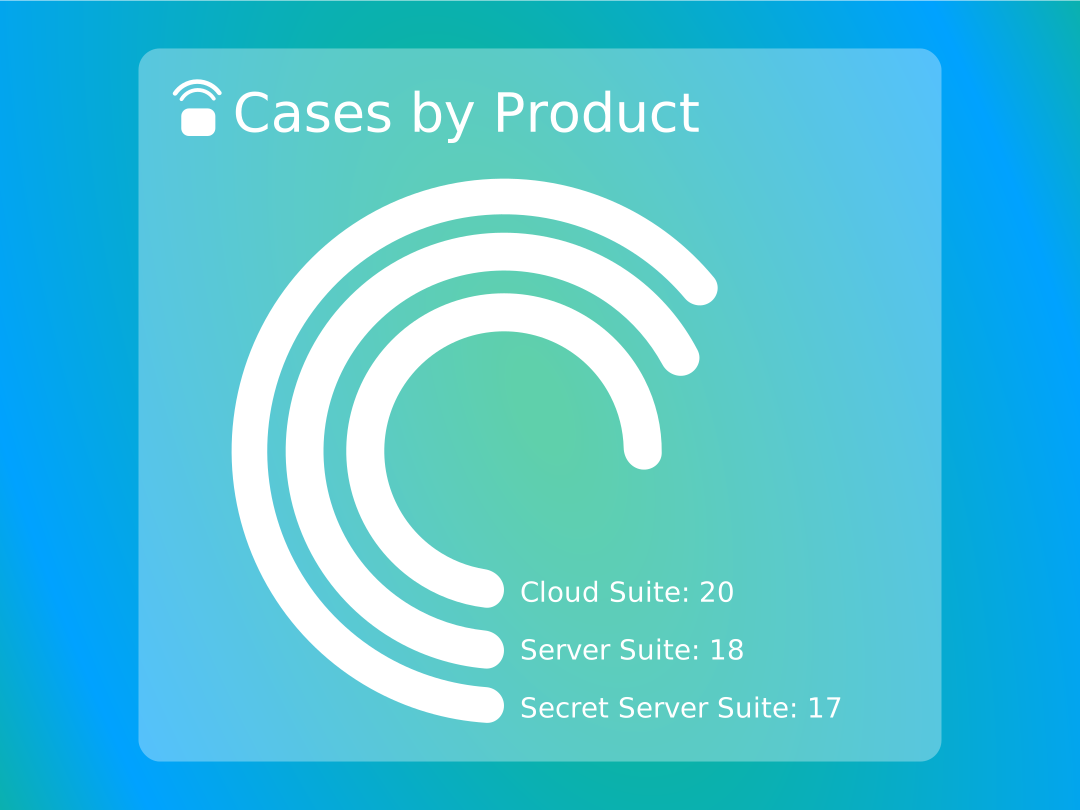
Advanced: designer screenshots, playback, troubleshooting, and XML example
Tips for a polished look
Section titled “Tips for a polished look”- Match the glass rectangle’s corners to your layout (rounded corners in the SVG carry through to the effect where supported).
- Adjust blur in small steps until the background feels readable but still softened.
- Avoid IDs that contain
lc_glass_effectunless you intend that separate behavior—stick to names likelc_glass_*for this frosted panel.
Designer view (placeholder)
Section titled “Designer view (placeholder)”Use this spot for a screenshot of Override SVG Variables or the slide editor showing the glass variable.
Playback & narration (placeholder)
Section titled “Playback & narration (placeholder)”Optional second visual: glass during playback or with highlights.
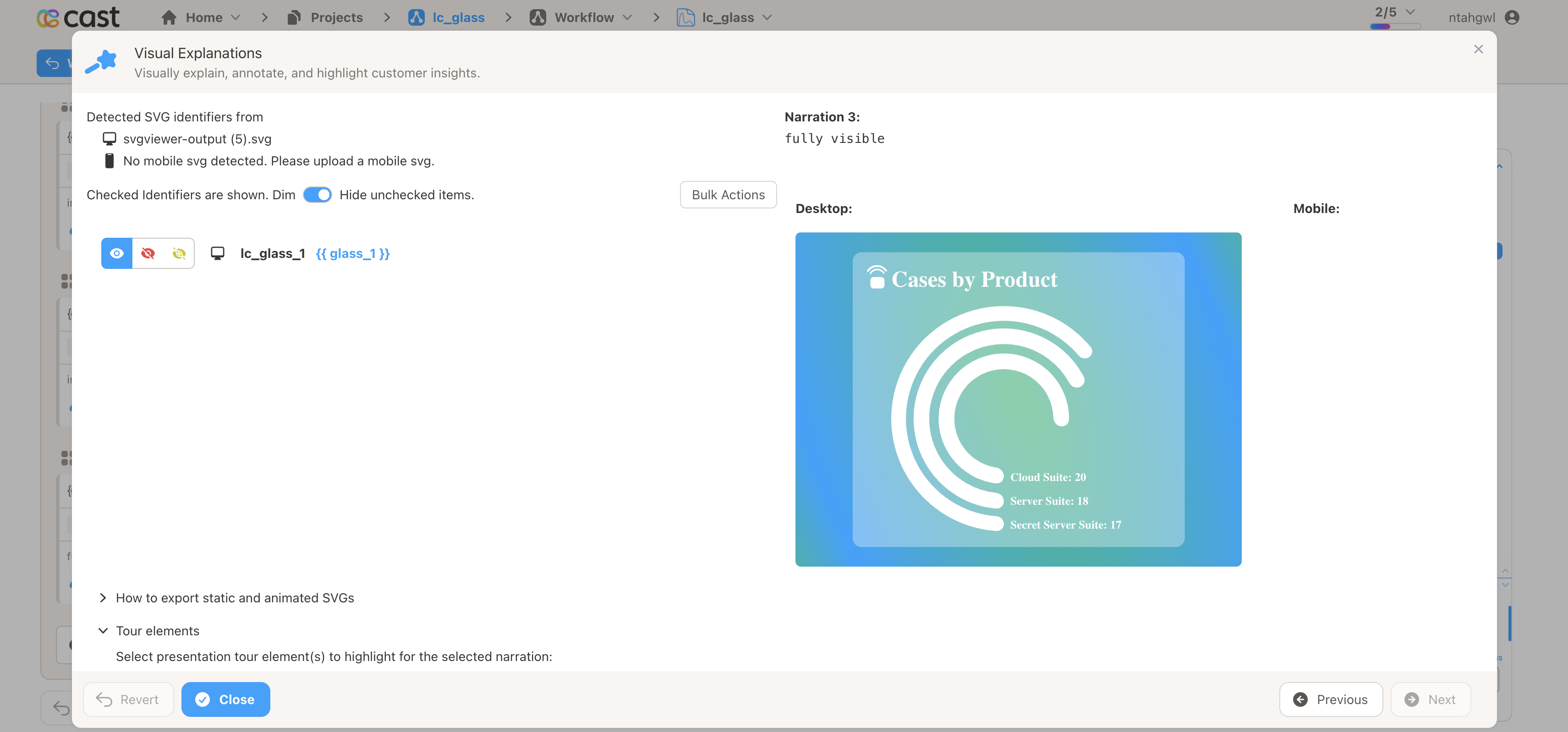
During playback, the frosted area follows the same highlight behavior as other slide elements you configure in narration—so you can reveal or soften the panel as the story progresses.
If something looks wrong
Section titled “If something looks wrong”| What you notice | What to try |
|---|---|
| No frosted area | Check that the shape is a rectangle and the ID includes lc_glass_. |
| Cast won’t save the blur | Use a number between 0 and 100, or add px after the number (for example 24px). |
| Too strong or too soft | Lower or raise the blur value in small steps. |
Simple example
Section titled “Simple example”In your SVG, a glass region might look like this (sizes and position are up to your design):
<rect id="lc_glass_kpi" x="120" y="180" width="420" height="180" rx="16" />Then set your preferred blur in overrides (for example 18).