
Totango
Totango
Section titled “Totango”Create a personal access/app token
Section titled “Create a personal access/app token”-
From within Totango, click your profile icon and choose Edit Profile.
-
From the Integration tab, click Create Token.
-
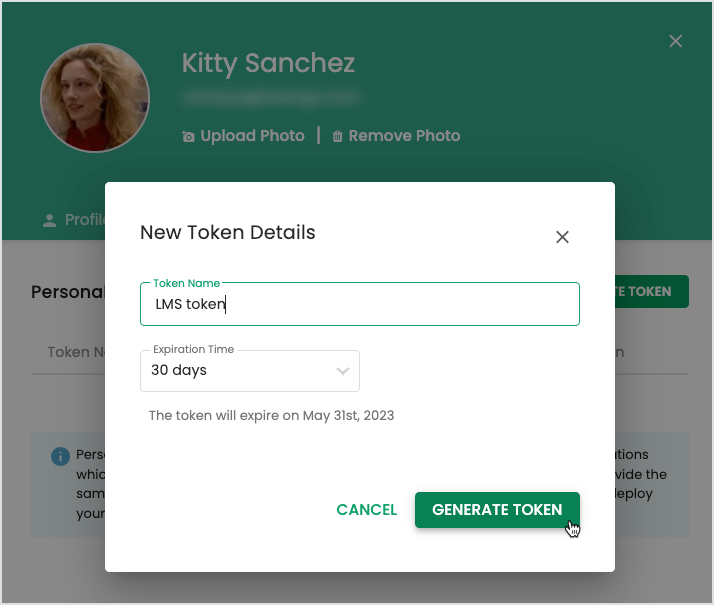
In the New Token Details window, enter the following details:
- Token Name: Choose a name to identify the token among others within your profile.
- Expiration Time: Choose from 7, 30 60, 90 days, no expiration, custom
-
Click Generate Token.
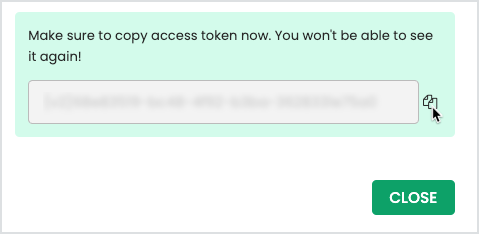
A token is available to copy and paste directly into the third-party system.
-
Click Close.
The token is available to edit (name and expiration) or delete if you need to revoke access.
Video Tutorial
Section titled “Video Tutorial”
Here is a recording of Totango and Cast.app, recorded for customer HPE: