lc_doughnut
Display segmented data in a circular doughnut chart format. The chart always displays as a complete circle with values proportionally adjusted to fill the entire circumference.
Element Setup
Section titled “Element Setup”Main Element:
- Element type:
<circle>— lc_doughnut requires a “circle” svg element with a stroke for border. Border is used to determine the thickness. - ID format:
lc_doughnut_*(e.g.,lc_doughnut_nps,lc_doughnut_market-share)
Companion Element:
- Use lc_label_* for legends and segment labels
Input Format
Section titled “Input Format”Basic Format - Values Only:
58;32;10Creates three segments: 58%, 32%, 10%
With Color Specification:
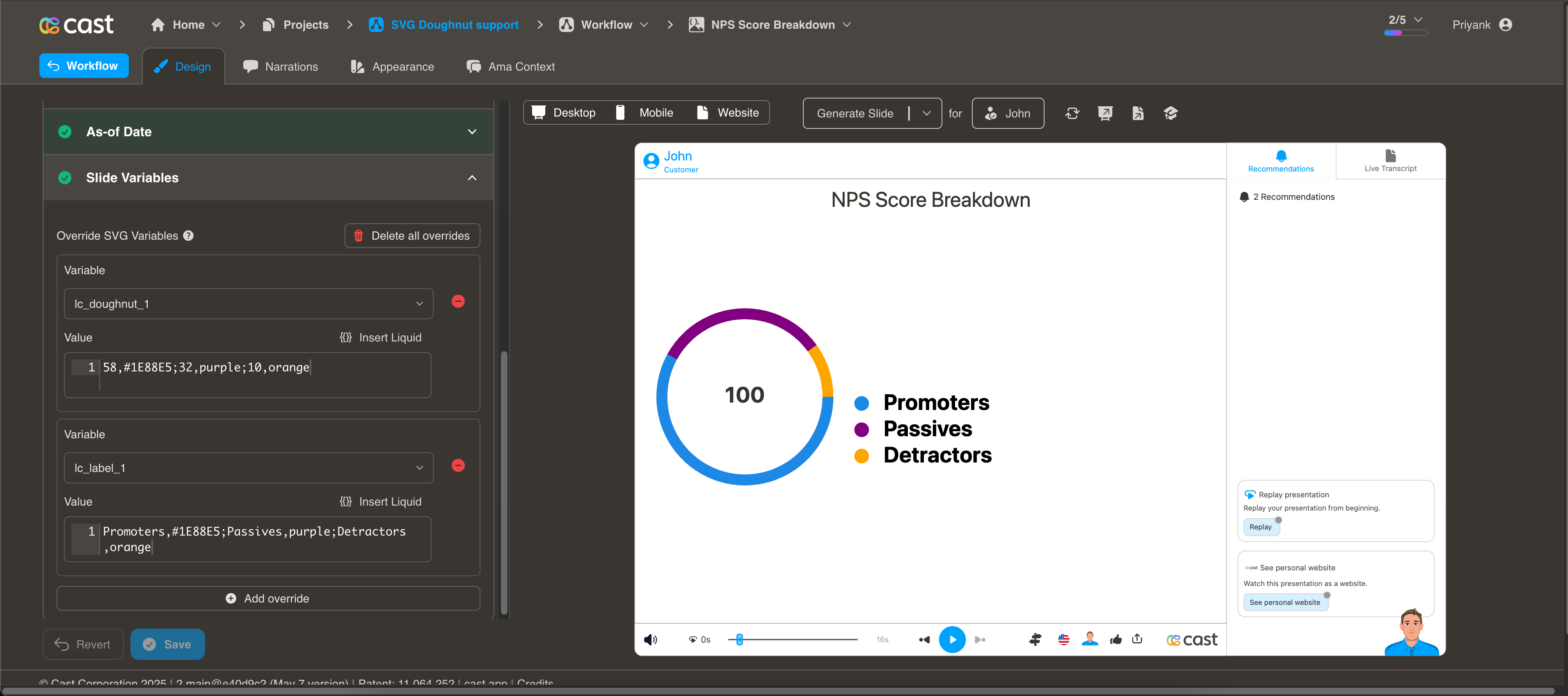
58,#1E88E5;32,purple;10,orangeColor Options
Section titled “Color Options”CSS names, hex values, or mixed. If no colors are specified, the system uses your project’s default color palette.
Value Processing
Section titled “Value Processing”- Minimum value: 1 (segments require at least 1 to be visible)
- Zero values: Converted to 1
- Proportional: Values are automatically scaled to fill 100% of the circle
- Start position: Segments begin at 12 o’clock and progress clockwise
Usage Example
Section titled “Usage Example”{% raw %}
<!-- In your SVG --><circle id="lc_doughnut_nps" cx="200" cy="200" r="100" /><text id="lc_label_nps-legend">Placeholder text</text>
<!-- In your dataset -->{{ nps }} = "58,green;32,blue;10,red"{{ nps-legend }} = "Promoters,green;Passives,blue;Detractors,red"
{% endraw %}
Highlighting Individual Segments
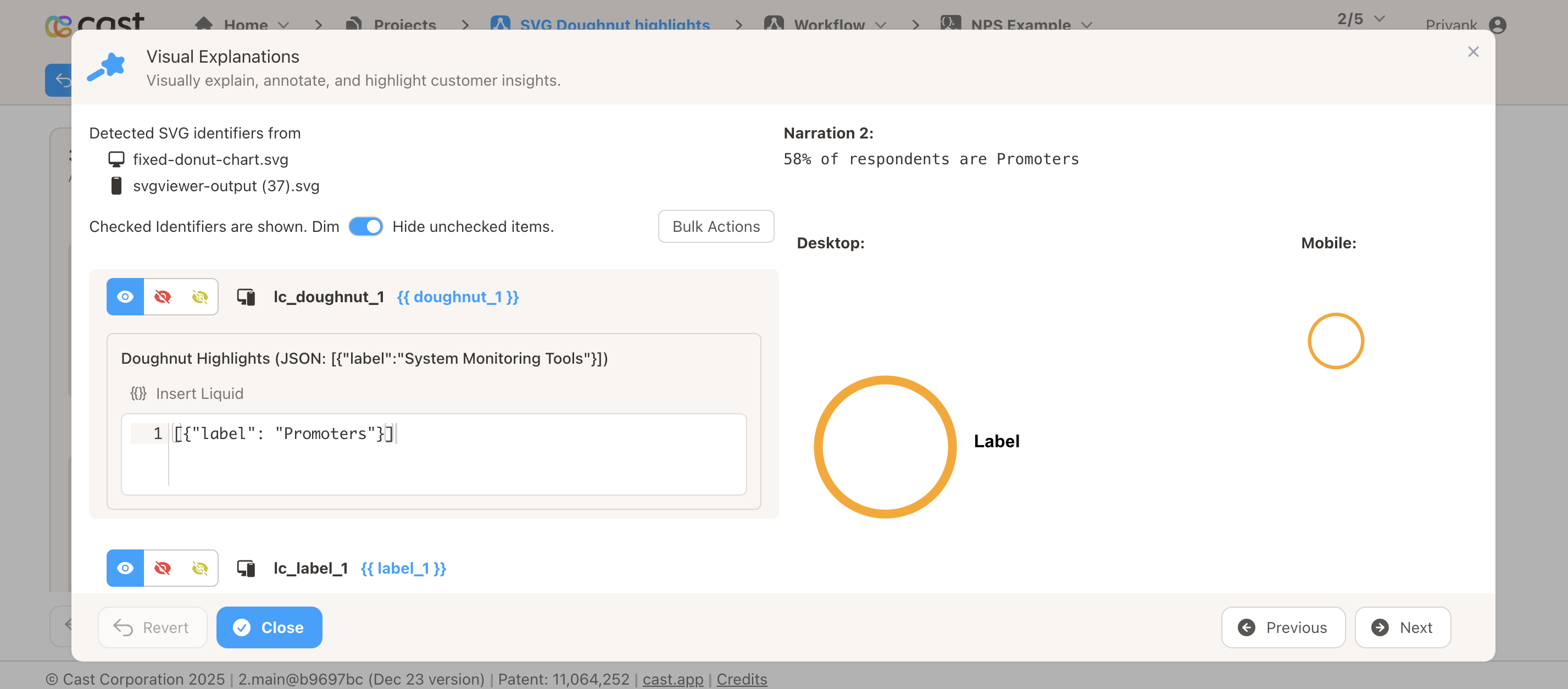
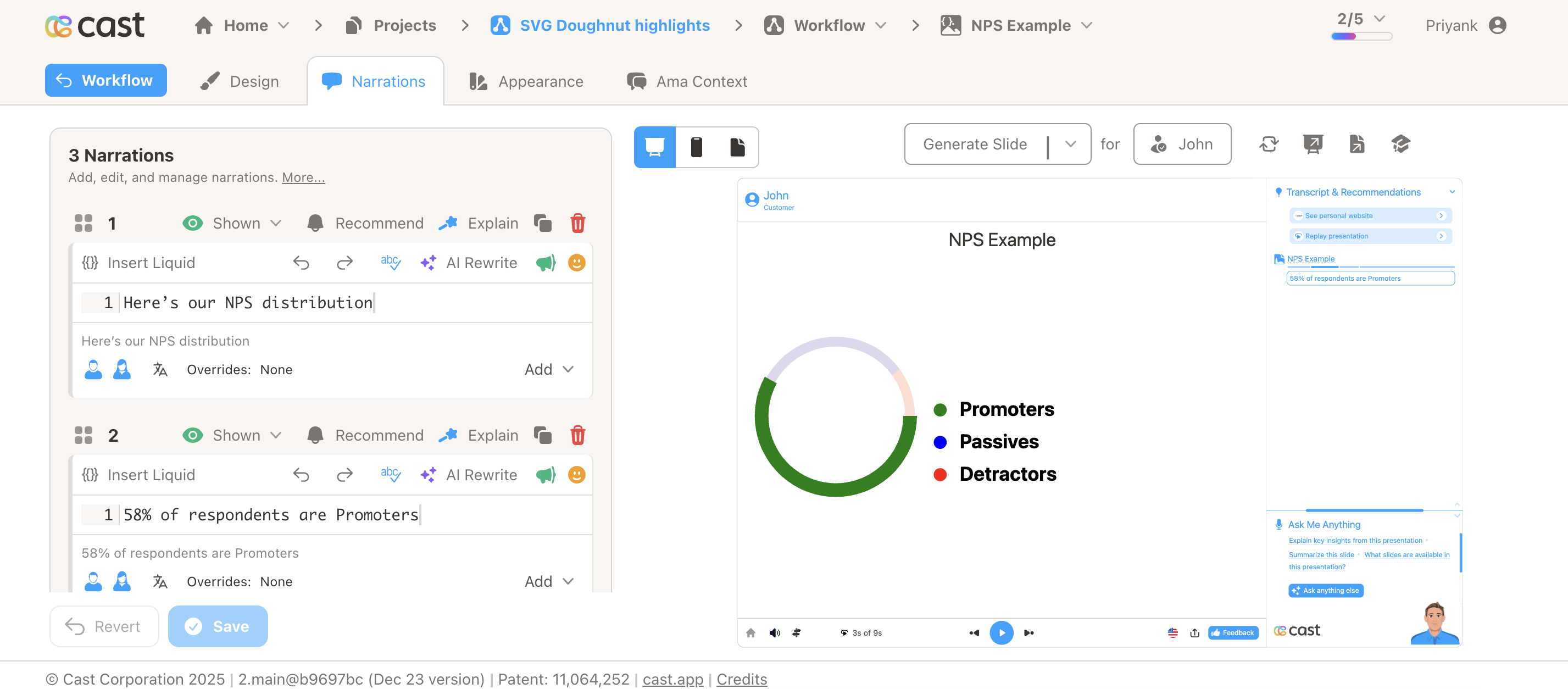
Section titled “Highlighting Individual Segments”Doughnut charts support selective highlighting during your presentation. When you reference a segment’s label in your narration, that segment automatically highlights (full brightness with increased thickness) while other segments dim to about 12% brightness.
Highlight Format (in Cast Designer → Narration → Visual Explanations → liquid block):
- Single segment:
[{"label": "Rent"}] - Multiple segments:
[{"label": "Rent"}, {"label": "Food"}] - All segments visible: Don’t add any highlight to the liquid block
Labels can be embedded in the data (e.g. 5000,#FF5733,Rent;3000,#33FF57,Food) or provided via a companion lc_label_* element.