
CSM Image in Contact list
CSM Image in Contact list
Section titled “CSM Image in Contact list”Here are the detailed steps for setting up your dataset and running the query to fetch the necessary information, including images of Customer Success Managers (CSMs) and Account Representatives (ARs).
Step 1: Access the Template
Section titled “Step 1: Access the Template”Navigate to the following URL: Google Spreadsheet Template This spreadsheet contains templates for the dataset you will use.
Step 2: Import or Create the Dataset
Section titled “Step 2: Import or Create the Dataset”You can either import the provided template as a Google Sheet or create a new spreadsheet with a similar structure.
Step 3: Upload Images
Section titled “Step 3: Upload Images”Ensure you upload the images of the CSMs and Account Representatives into the respective datasets.
Step 4: Create the Dataset
Section titled “Step 4: Create the Dataset”Go to Dataset. Select “Add New Dataset.” Choose “Universal Query” as the dataset type.
Step 5: Run the Query
Section titled “Step 5: Run the Query”Enter the following query to fetch all columns from the contact_dataset and include images for CSMs and Account Representatives:
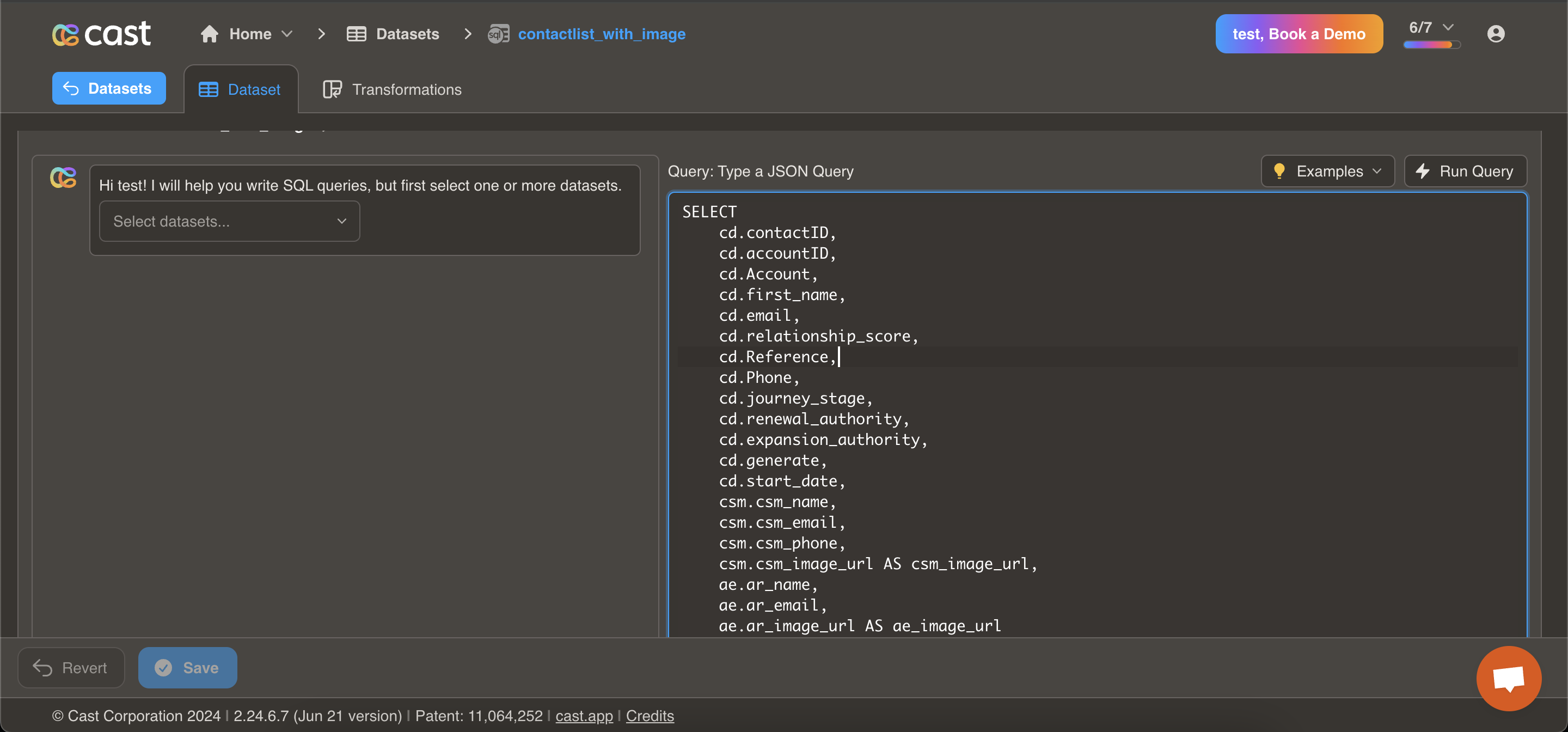
SELECT cd.contactID, cd.accountID, cd.Account, cd.first_name, cd.email, cd.relationship_score, cd.Reference, cd.Phone, cd.journey_stage, cd.renewal_authority, cd.expansion_authority, cd.generate, cd.start_date, CSM.csm_name, CSM.csm_email, CSM.csm_phone, CSM.csm_image_url AS csm_image_url, ae.ar_name, ae.ar_email, ae.ar_image_url AS ae_image_urlFROM dataset_20854 cd -- Update this based on your dataset IDJOIN dataset_20855 csm ON cd.csm_email = csm.csm_emailJOIN dataset_20853 ae ON cd.ar_email = ae.ar_email;Note: Ensure you replace dataset_20854, dataset_20855, and dataset_20853 with the correct dataset IDs for your specific datasets.
Step 6: Utilize the New Contact List
Section titled “Step 6: Utilize the New Contact List”After executing the query, you will obtain a new contact list that includes the images of the CSMs and Account Representatives you can access this images using field or snippets in Personalized Graphics Slides