
Transcripts and Recommendations
Transcripts and Recommendations
Section titled “Transcripts and Recommendations”The Transcripts and Recommendations tab in Cast allows you to navigate through slides and narrations and view associated recommendations.
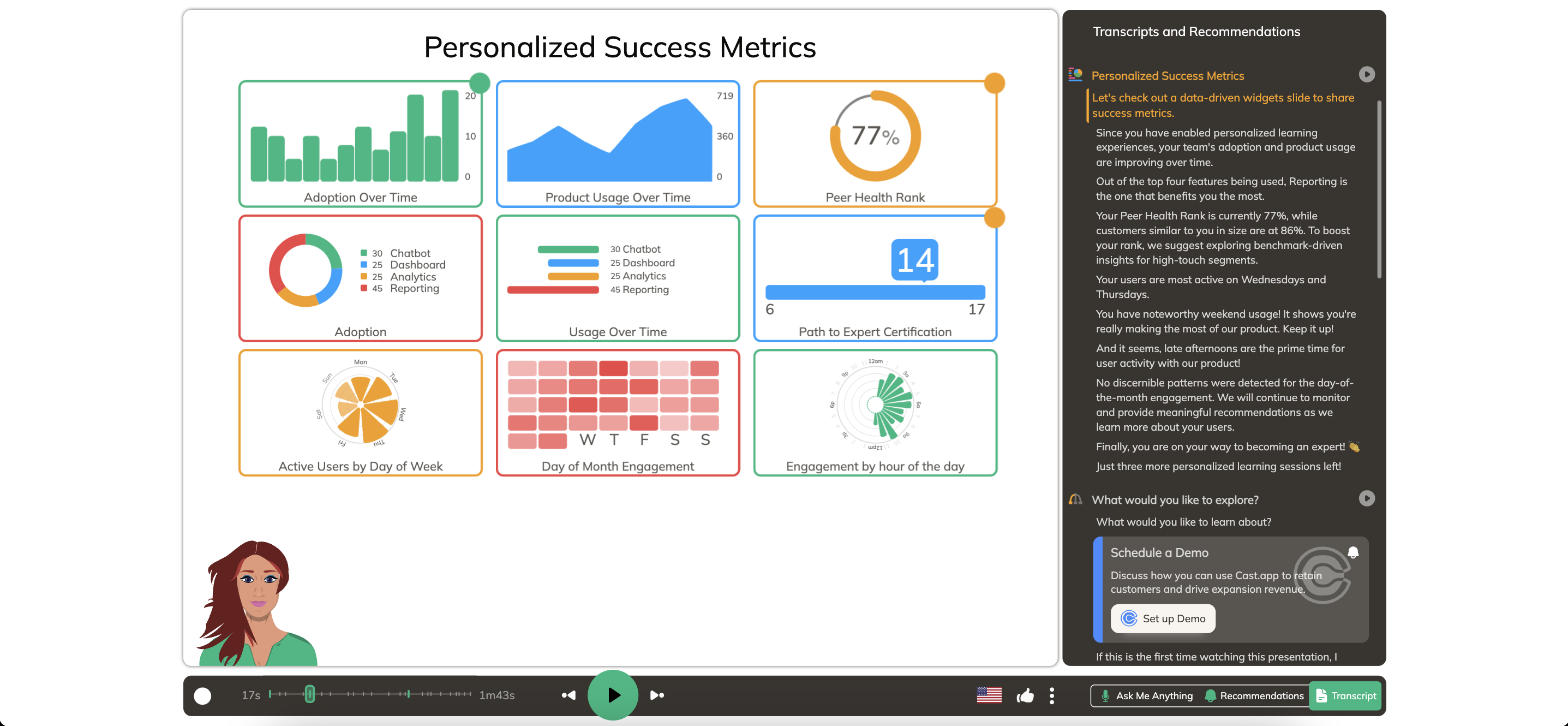
Slide List: Displays all slides
Play Slide: Click the slide title or play button to start playing the slide.
Play Narration: Click any narration within a slide to play it. The currently playing narration is highlighted in orange.
Recommendations Preview: Shows recommendations linked to narrations, such as email suggestions.